
110+ exercises
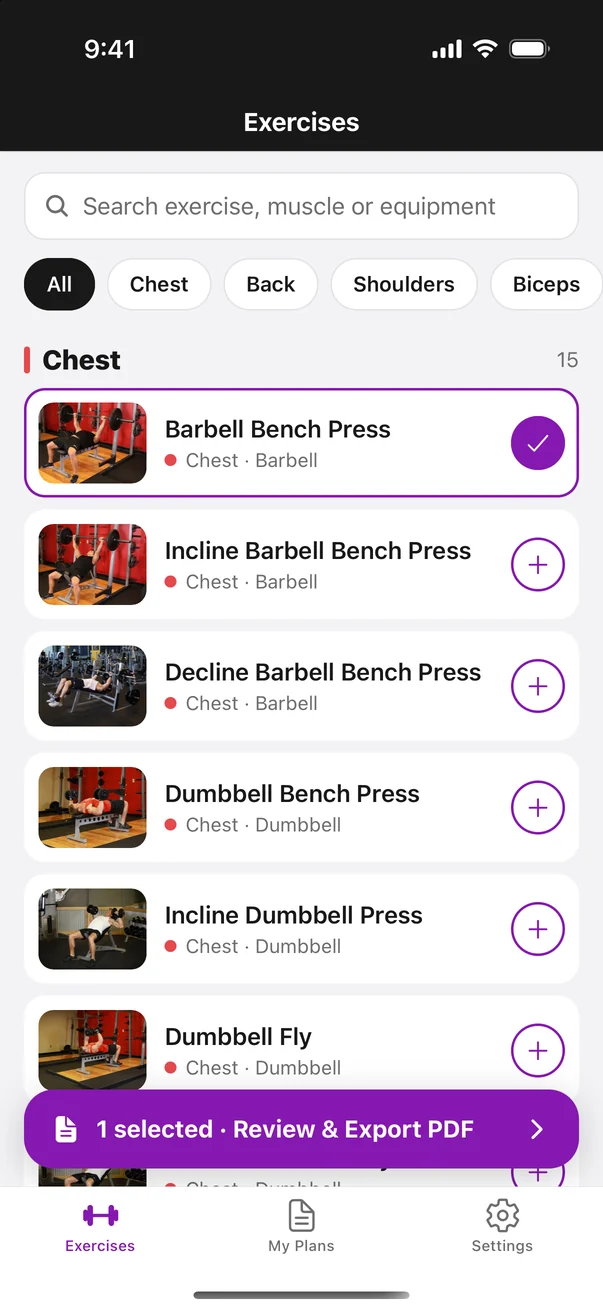
The most common gym exercises organized by Chest, Back, Shoulders, Arms, Legs, Glutes, Core and Cardio, with search by name, muscle or equipment.
For coaches & personal trainers
Build workout plans in minutes from 110+ exercises with step-by-step instructions and muscle maps, then send your students a clean PDF they’ll actually follow.
Free to browse · Premium from $2.99/month · iPhone
Features
The most common gym exercises organized by Chest, Back, Shoulders, Arms, Legs, Glutes, Core and Cardio, with search by name, muscle or equipment.
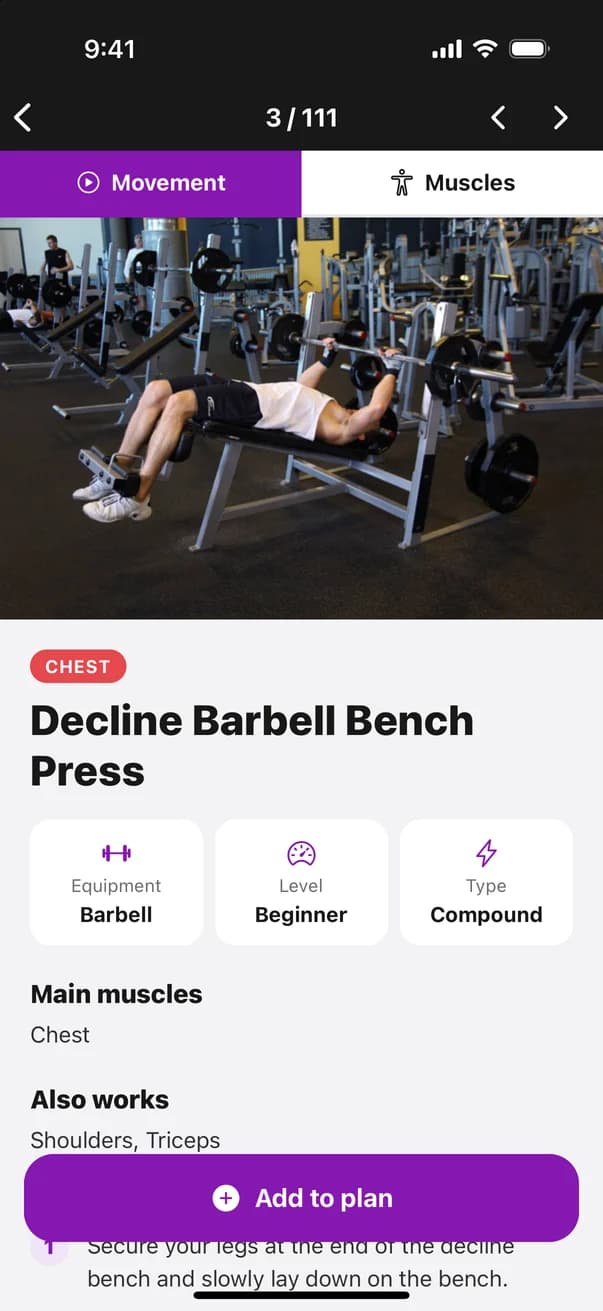
Every exercise shows the movement from start to finish, the equipment, the level and clear numbered steps your students can follow.
See the main and secondary muscles worked on a front and back body map, in the app and on every exported plan.
Pick exercises, reorder them and set sets, reps, rest and notes for each one, plus a title, student name and general notes.
Export a clean, branded PDF with photos, muscle maps and instructions, and share it by WhatsApp, email or AirDrop in one tap.
Keep every plan in My Plans, duplicate it for another student, and sign in with Apple, Google or email to back it up across devices.
How it works
Browse by muscle group or search, open any exercise to see how it’s done, and tap + to add it.
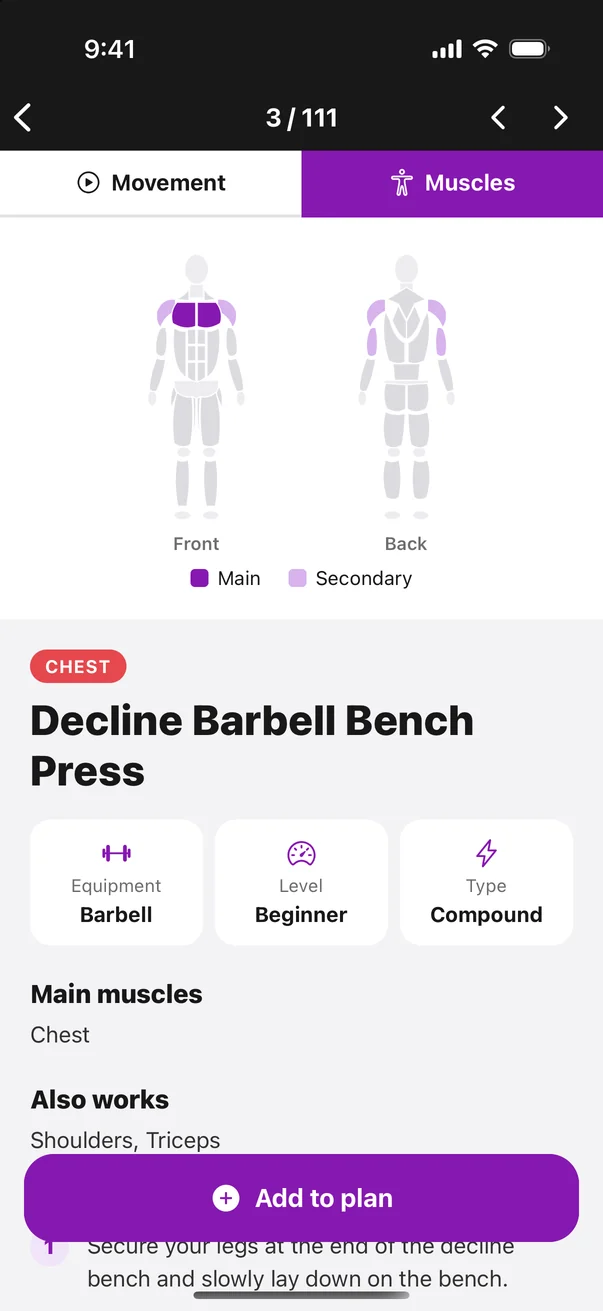
Switch to the Muscles tab to see exactly what each exercise works before adding it to a plan.
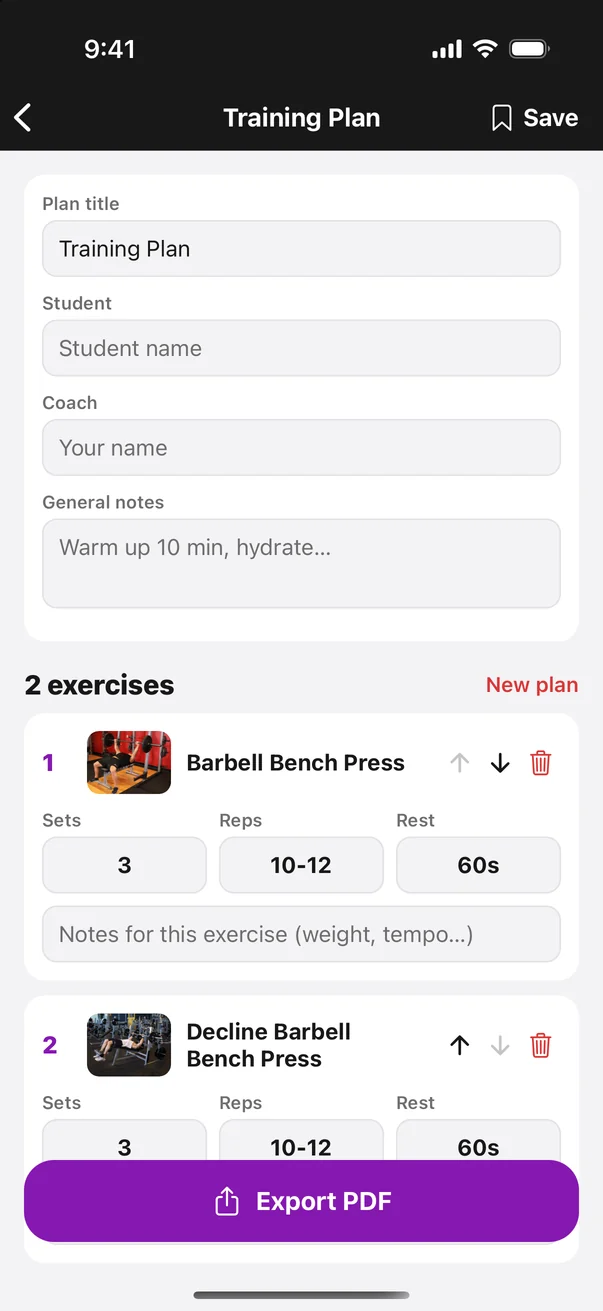
Set sets, reps and rest, add notes for your student, then export the plan as a PDF.
Pricing
$0 forever
$19.99 per year · or $2.99/month
Subscriptions are billed through your Apple Account and renew automatically unless cancelled at least 24 hours before the end of the period. See our Terms of Use.
FAQ
Personal trainers, coaches and anyone who writes workout plans for other people. You build the plan in the app and send your student a clear PDF they can follow at the gym.
Yes, you can download it and browse every exercise, instruction and muscle map for free. Saving plans and exporting PDFs are part of FitnessPaths Premium ($2.99/month or $19.99/year).
No. You can continue as a guest and your plans stay on your phone. Create an account with Apple, Google or email anytime to back them up and use them on another device.
Yes. Exported plans are regular PDF files with exercise photos, muscle maps, sets, reps, rest and instructions, so students can open them on any phone or print them.
Subscriptions are managed by Apple. On your iPhone go to Settings → your name → Subscriptions → FitnessPaths and tap Cancel. You keep Premium until the end of the period you paid for.
Still have questions? Contact us

Download FitnessPaths and build your first workout plan today.